The Shopping List, Reinvented: Shop Faster and Never Forget an Item
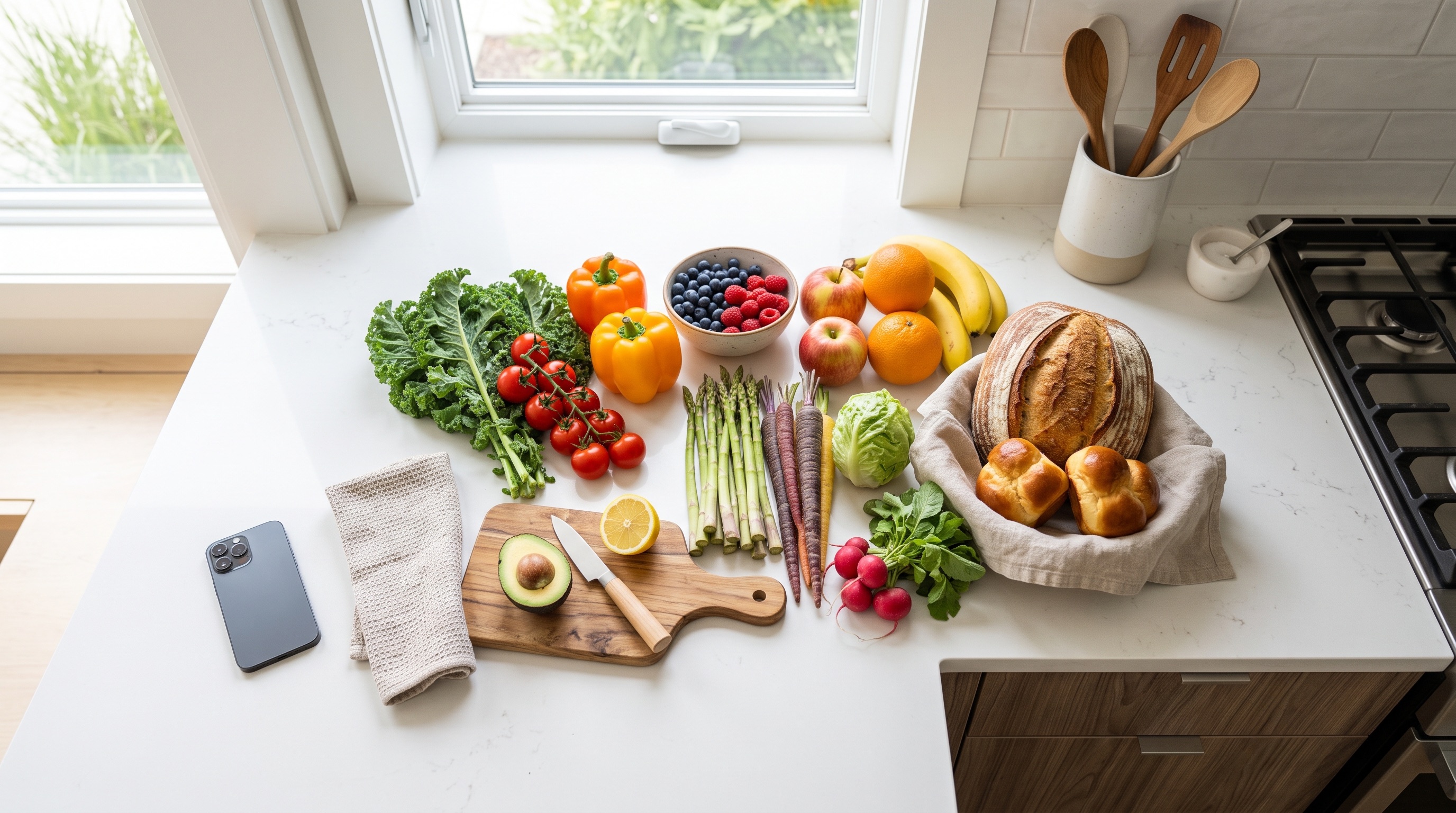
A shared, real-time shopping list saves time, money and second trips. Here is why the Shopping List module matters and how to get the most out of it.
The humble shopping list is where most household organizing starts - and where it most often falls apart. A scribbled note gets left at home, two people buy the same milk, and the one thing you actually went out for is forgotten. The Shopping List module turns that chaos into a clean, shared list that works the way shopping actually happens.
Why a proper shopping list matters
A disorganized list quietly costs you money and time: forgotten items mean extra trips, and no shared view means duplicate purchases. When everyone in the home works from the same live list, those problems simply disappear. You buy what you need, once, and you're in and out of the store faster.
There's a calmer side to it as well. When the list lives in one place that everyone can add to, nobody has to be the household's memory. Whoever notices the coffee is running low adds it, and whoever passes the shop first buys what is still on the list.
Setting up your list in five minutes
- Create a room with the Shopping List module and give it a clear name, such as "Weekly Groceries".
- Add the items you buy most often, with quantities and units - "2 litres milk", "500 g pasta".
- Assign items to the store you actually buy them in, if you shop at more than one place.
- Add labels to group items, for example by aisle, or mark them Priority, Regular or On Sale.
- If you're on Premium or Family, invite your partner, family or flatmates to the room.
How to use it best
- Group items with labels (produce, dairy, household) so your list follows the store layout.
- Add quantities, units and notes so there's no guessing at the shelf - "the lactose-free one", "only if on offer".
- Assign items to specific stores when you shop across several places, then filter to the store you're standing in.
- Share the list with your household so it syncs in real time.
- Tick items off as you go - everyone sees them disappear instantly.
Ideas for everyday situations
One big weekly shop: keep a single room for the household and let everyone add to it during the week. On shopping day, filter by store and work through the list in the order you walk the aisles.
Several shops: assign the vegetables to the market, the bulk items to the discounter and the rest to the supermarket down the road. Each trip then shows only what belongs there.
Planned meals: if you plan the week in Meal Planner, keep this list open next to it and add what the menu needs, shared with the same people.
Quick additions: ask Lumi, the built-in assistant, something like "add milk, eggs and coffee to my shopping list" and the items appear without tapping through menus.
Common mistakes to avoid
- Keeping separate lists on separate phones - that's exactly how the same item gets bought twice.
- Writing vague items like "cheese" when someone else is shopping. A quantity and a short note save a phone call from the aisle.
- Letting the list grow forever. Tick things off as you shop so the list only ever shows what's still needed.
- Creating one room for every trip. A single running list per household is usually easier than a new list each week.
Keeping the list tidy week after week
A shopping list works best when it's trusted, and it's trusted when it's accurate. A few small habits keep it that way. Tick items off the moment they go into the trolley, not at the checkout, so anyone checking the list from home sees the real state. Remove things you decided not to buy instead of leaving them hanging. And when a brand or size matters, put it in the note once - after that, whoever shops gets it right without asking.
It also helps to agree on a simple rule in the household: if you use the last of something, add it straight away. It takes a few seconds and it means the list fills itself during the week, instead of someone standing in front of the fridge on Saturday morning trying to remember what's missing.
Shopping without signal
Freezer aisles and basement supermarkets are notorious for killing mobile signal. Listub works offline, so you can keep adding, editing and ticking items with no connection at all. Your changes sync in the background as soon as you're back online.
Questions people ask
Is the Shopping List free? Yes. Labels, quantities, per-store planning and offline use are all on the free plan. Premium and Family are only needed to invite other people into your own rooms.
Can my family use it on different phones? Yes, on Android, iPhone, iPad and the web. When you share a room, everyone works on the same list, and every change shows up for everyone in real time.
Can I see who added something? Yes. Every room has an activity log that shows who added, edited or removed an item, and when.
Set it up once and your weekly shop practically organizes itself.
Featured module
Shopping List
Ready to get organized?
Listub brings your lists, plans and notes into one calm, private place that syncs across every device - and lets you share with the people who matter.
Get Listub free